i18next JSON Format: Plurals, Interpolation, Context
An i18next translation file is JSON, one per language and namespace. A complete example with plurals, interpolation, context and nesting, and what breaks.
Last updated
An i18next translation file is a JSON object that maps keys to strings for one language and one namespace, usually at locales/<language>/translation.json. Values use {{variable}} for interpolation, plurals are separate keys with CLDR suffixes such as file_one and file_other, and nested objects become dot-path keys such as settings.title.
What does an i18next JSON file look like?#
This locales/en/translation.json covers what you will write in practice: interpolation, nesting, a plural with a zero form, an ordinal, context, and a reference to another key.
{
  "greeting": "Hello, {{name}}!",

  "settings": {
    "title": "Settings"
  },

  "file_zero": "No files",
  "file_one": "{{count}} file",
  "file_other": "{{count}} files",

  "place_ordinal_one": "{{count}}st",
  "place_ordinal_two": "{{count}}nd",
  "place_ordinal_few": "{{count}}rd",
  "place_ordinal_other": "{{count}}th",

  "friend": "A friend",
  "friend_male": "He is a friend",
  "friend_female": "She is a friend",

  "summary": "You have $t(file, {\"count\": {{count}} })"
}
And the calls that read it:
t('greeting', { name: 'Ada' })          // Hello, Ada!
t('settings.title')                     // Settings
t('file', { count: 0 })                 // No files
t('file', { count: 3 })                 // 3 files
t('place', { count: 2, ordinal: true }) // 2nd
t('friend', { context: 'male' })        // He is a friend
t('summary', { count: 3 })              // You have 3 files
Each output above comes from a run on i18next 26.5.2.
How do plurals work in i18next?#
A plural is one key per form, with a CLDR category suffix: _zero, _one, _two, _few, _many, _other. You call the base key with a count, and i18next picks the suffix from the language's plural rules. Each language needs its own set. English needs _one and _other; Ukrainian needs _one, _few, _many and _other:
{
  "file_one": "{{count}} файл",
  "file_few": "{{count}} файли",
  "file_many": "{{count}} файлів",
  "file_other": "{{count}} файлу"
}
Three details matter:
_zerois used for 0 in every language, English included, though CLDR gives English no zero category. Without it, 0 uses the language's normal rule.- A missing category falls back to another language. A Ukrainian file with only
item_oneanditem_otherhas noitem_few, sot('item', { count: 2 })renders the English "2 items" in the Ukrainian UI. - The old
_pluralsuffix is ignored.thing_pluralis the format from i18next v20 and earlier; i18next 26 returns the singular forcount: 2. - Ordinals use the language's ordinal categories, not its plural ones. They take
_ordinal_before the category, as inplace_ordinal_one,place_ordinal_two,place_ordinal_fewandplace_ordinal_otherfor English's 1st, 2nd, 3rd and 4th, and needordinal: truein the call. Italianmanyis the ordinal form for the 8th, 11th and 80th, not the plural form for exact millions. - Forms only exist where you write them. A key whose value shows
{{count}}with no_oneor_otherkeys, such as"genres": "{{count}} genres", is used for every count, so the app reads "1 genres", and Russian reads "1 жанров" and "2 жанров".
How does interpolation work in i18next?#
{{name}} in a value is replaced by the option of the same name:
t('greeting', { name: 'Ada' }) // Hello, Ada!Variables are matched by name, so a translator can move them. A call without the value leaves the braces in the output: t('greeting') renders Hello, {{name}}!. A translation that renames {{name}} to {{nombre}} does the same, because the code still passes name.
How do context and nesting work in i18next?#
Context adds a suffix you choose. t('friend', { context: 'male' }) reads friend_male; a context with no matching key uses the plain friend.
Nesting references another key from inside a value with $t(key), and can pass options such as a count. It keeps a sentence and its parts in sync instead of duplicating text.
Namespaces split one language across several files, such as locales/en/common.json and locales/en/settings.json. Each file is its own JSON object with the same rules.
Does i18next use ICU MessageFormat?#
Not by default. The syntax above is i18next's own. The i18next-icu plugin replaces it with ICU MessageFormat, so a plural is one value, {count, plural, one {# file} other {# files}}, and # is replaced by the number.
What breaks i18next JSON without an error?#
i18next never throws on a translation problem. It renders something, and the failures look like this:
- A missing key shows the fallback language, or the key itself if no language has it.
- A missing plural category shows the fallback language's text for those counts.
- A
{{count}}with no plural forms reads "1 genres", because i18next has no_oneform to pick. - A renamed or dropped
{{variable}}shows literal braces, or a sentence without its value. - A copied, untranslated value ships in the source language.
Most of these are in a language you may not read, and the JSON stays valid in every case.
How do you check i18next JSON across every language?#
StringLane reads every language's i18next files and checks each against the base: missing keys, {{variable}} names compared as a set, the plural categories each language requires (ordinal categories for _ordinal_ keys), a base value that shows {{count}} with no plural forms (count_without_plural), ICU syntax when you use i18next-icu, and values identical to the base. A language that holds its own plural forms under a base value with {{count}} has each form checked against that value rather than being reported as missing the key. The free CLI runs the same checks from a terminal or CI and writes nothing into your repository:
npx @stringlane/cli@latest check .The i18next JSON editor shows the same checks while you edit, with nested keys flattened into one row per dot path and every language side by side.
Next steps#
- What Is ICU MessageFormat?: the syntax i18next-icu adds.
- Fix placeholder mismatches: find a renamed or dropped
{{variable}}. - Android strings.xml and Flutter ARB: the same problems in mobile projects.
- Inspect and Check a Project: run the checks in CI.
Frequently asked questions
- How do plurals work in i18next JSON?
- Each plural form is its own key with a CLDR suffix: file_one, file_other, and file_few and file_many for languages that need them. Call t("file", { count }) and i18next picks the suffix from the language's plural rules.
- Why does i18next show English for some counts?
- Because a translation is missing a plural category its language needs. A Ukrainian file with only _one and _other has no _few, so for 2 i18next falls back to the fallback language and renders "2 items".
- Does i18next still support the _plural suffix?
- Not by default. key_plural is the format from i18next v20 and earlier. In i18next 26 with the default JSON format, t("thing", { count: 2 }) ignores thing_plural and returns the singular. Rename the keys to _one and _other.
- What does i18next show when a key is missing?
- It tries the fallback language first. If no language has the key, t returns the key itself, so the UI shows a string such as settings.title.
- Does i18next use ICU MessageFormat?
- Not by default. Plain i18next uses {{variable}} interpolation and suffix keys for plurals. The i18next-icu plugin adds ICU syntax, with plural and select inside one value, and in that runtime # is replaced by the number.
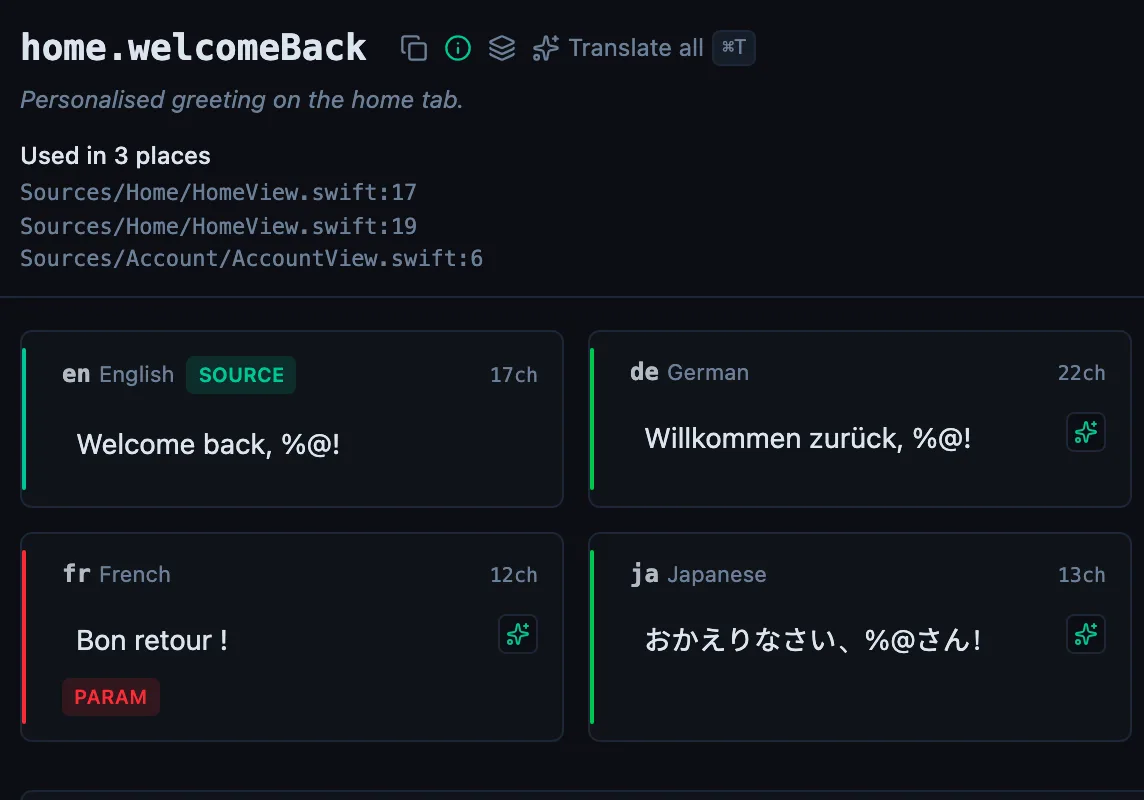
See every locale side by side
The desktop app flags what is missing or broken on the cell, and saves to your files.
14-day trial, no email