How to Translate All Missing Cells at Once
Fill every gap across every non-base locale in one pass. Palette-driven, progress-tracked, cancellable.
Last updated
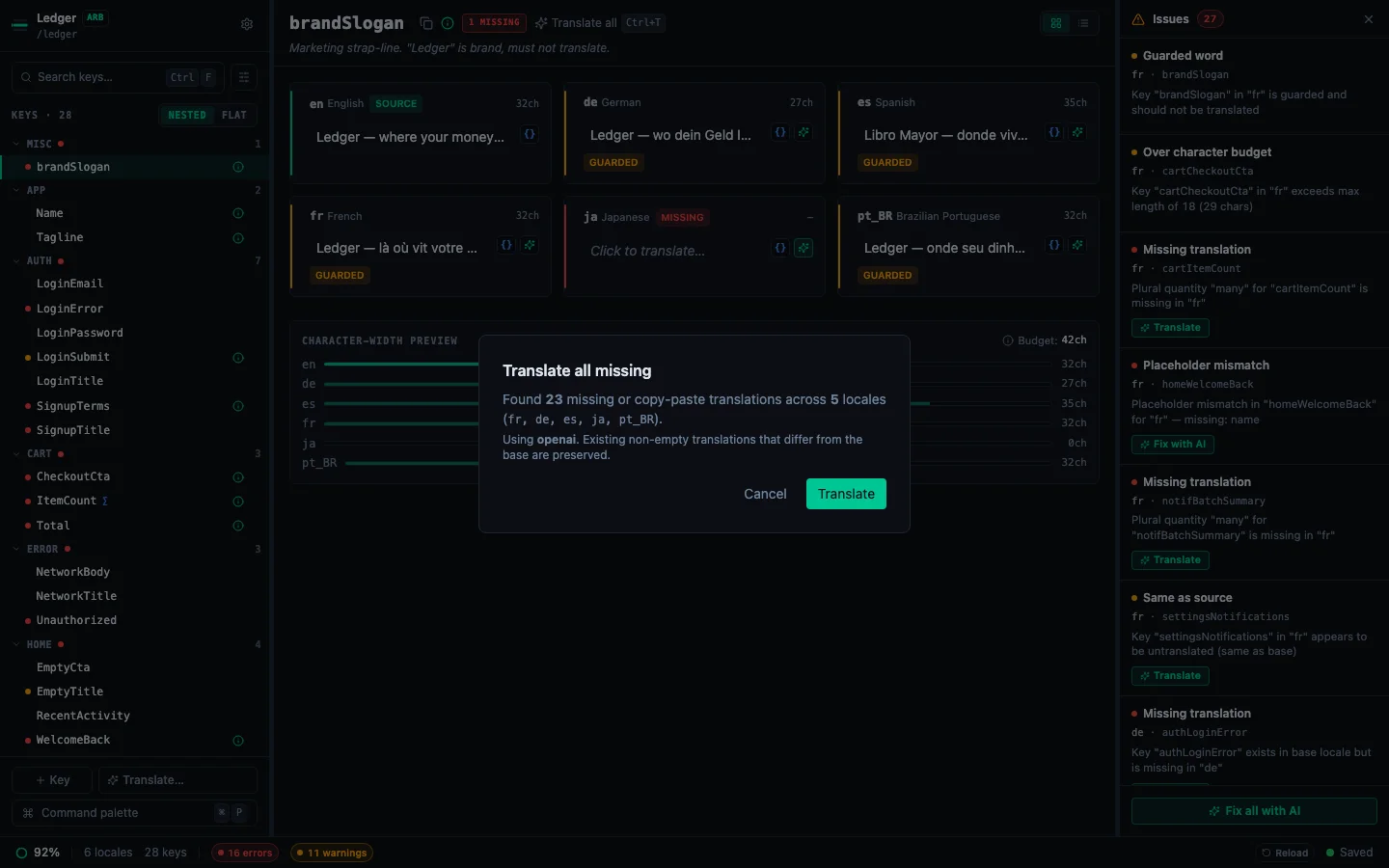
When your project has gaps in multiple locales and you don't want to click ✨ on every row, run Translate all missing with AI from the command palette. One pass fills every empty or copy-paste cell across every non-base locale.
Opening the dialog#
-
Press ⌘P to open the command palette.
-
Pick Translate all missing with AI (or type
translateto filter). -
The dialog computes what's missing:
- Cells where the target locale value is absent, empty, or exactly equal to the base locale value (indicating an untranslated copy-paste). A base value with nothing to translate, such as
{name},%lldor a lone punctuation mark, is not counted, because its copy is already correct. - Plural keys where the target locale is missing any quantity the base locale defines. Each is translated with the CLDR-required categories the target is still missing, so an empty Ukrainian key gets
one,few,manyandotherfrom an Englishone/othersource. Quantities already filled in the target are left alone. - For an iOS
.stringsdictdevice key, each device the base language has and the target lacks.
Some keys are never counted, however empty they look:
- keys marked not for translation;
- strings Xcode marks Stale, which your code no longer uses;
- strings an Android override folder such as
values-fr-rCA/inherits from its parent folder; - plural, width or device forms a language holds on its own while the base holds one string (in a String Catalog, a
.stringsdictunder a.stringsbase, or i18next under a base that shows{{count}}). StringLane does not write over those forms yet: edit them in Xcode or in the JSON file.
- Cells where the target locale value is absent, empty, or exactly equal to the base locale value (indicating an untranslated copy-paste). A base value with nothing to translate, such as
Phases#
- Checking, verifying your API key is available.
- Empty, if nothing's missing, the dialog shows "All locales up to date" + Dismiss.
- No key, if no API key is configured for the provider, routes you to Settings → App → AI Providers.
- Confirm: total count + the first five locales involved (or the first five plus "…and N more"). Click Translate to start.
- Translating: progress bar with running count ("N / M across K locales") + the locale currently being processed. Cancel aborts the requests in flight and stops the run.
- Done: summary:
Translated N of M translations. K errors.(singular when the count is one), plus the last error message if any chunk failed. The unit is translations, not keys: a plural key counts once for each quantity the target locale was missing.
What happens under the hood#
- Sends as many requests at once as Settings → App → AI Providers → Concurrent requests allows (1 to 8, default 2). That number is the total for the whole run: StringLane spreads it across locales first, so a short locale does not wait behind a long one. See Set up AI translation.
- Each successful translation is applied via the normal auto-save path: writes hit your source files with the same format-preserving behaviour as manual edits.
- Cancelling keeps every result from requests that already finished; the requests in flight are aborted and their keys stay untranslated. You can always re-run the command to pick up the remaining gaps.
- Failed chunks surface their error messages in the summary so you can retry.
Related#
- Set up AI translation: prerequisite (BYOK provider + API key).
- Translate individual keys: the per-cell ✨ flow, still useful for one-off edits.
- Bulk translate a locale: focused single-locale bulk flow via the toolbar Translate… menu.
See every locale side by side
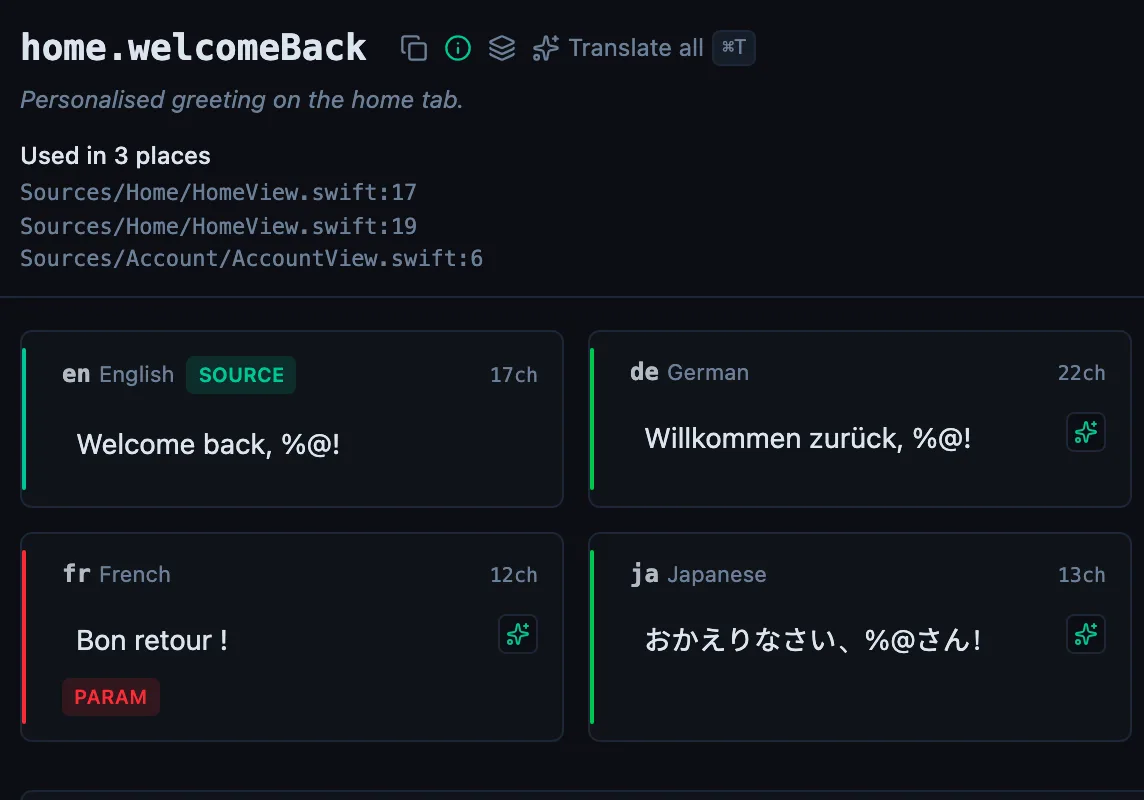
The desktop app flags what is missing or broken on the cell, and saves to your files.
Download for macOS
14-day trial, no email