- en{count} items selected
- jaアイテムを選択しました
- ↳ {count} is gone
A placeholder vanishes
The number was in the English. The translation dropped it, so every user sees a sentence with no count.
placeholder_mismatchStringLane is a localization editor for iOS, Android, Flutter and web apps. See every locale side by side, and catch the broken placeholder in the language you can’t read.
For macOS, Windows and Linux14-day trial, no email · The agent setup is free

Every issue listed with its fix
Works with the files and tools you already use
WHY A GREEN BUILD IS NOT ENOUGH
Your agent translates thirty languages in a minute. These three slip through every build, and StringLane flags each one before it ships.
The number was in the English. The translation dropped it, so every user sees a sentence with no count.
placeholder_mismatchEnglish has two forms. Ukrainian needs four. The model wrote three, so a count like 5 gets the wrong ending.
missing_keyYou added a string last week. Twelve languages have it. One does not, and it ships in English.
missing_keyStructure, not taste. Whether a sentence reads well is still yours.
ICU syntax
Unclosed braces and broken selects, before the build does.
icu_parse_errorGuarded terms
Flags a brand or product name that got translated.
guarded_word_violationLength limits
Per-key budgets, so a German label still fits its button.
max_length_exceededONE KEY, EVERY FILE
Type it in one place and it lands in every locale file, ready to translate.
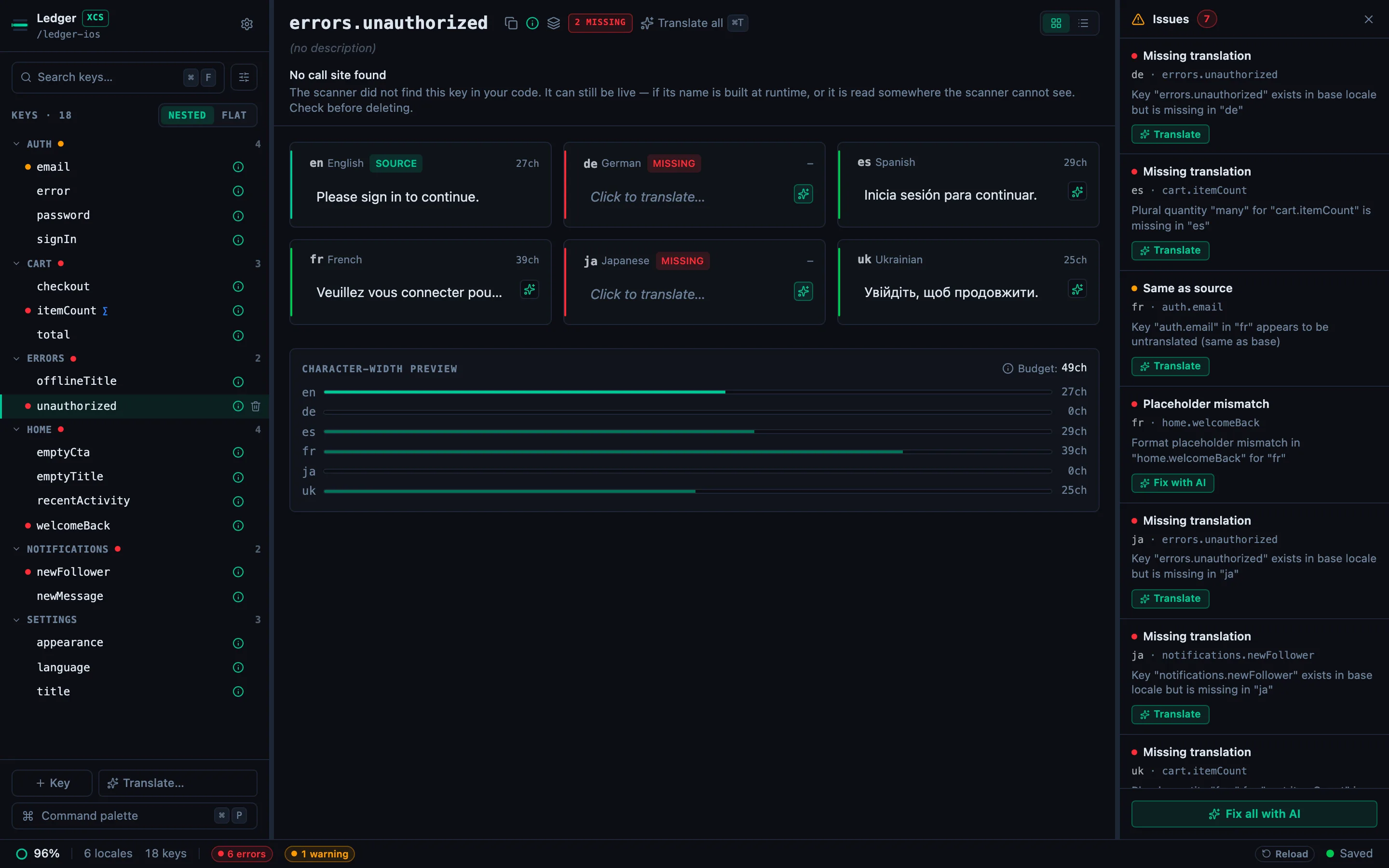
TRANSLATE
Bring your own OpenAI, Anthropic or Gemini key, or run a local model. Every result is checked as it lands, so a dropped {count} shows on the cell, not in your release.
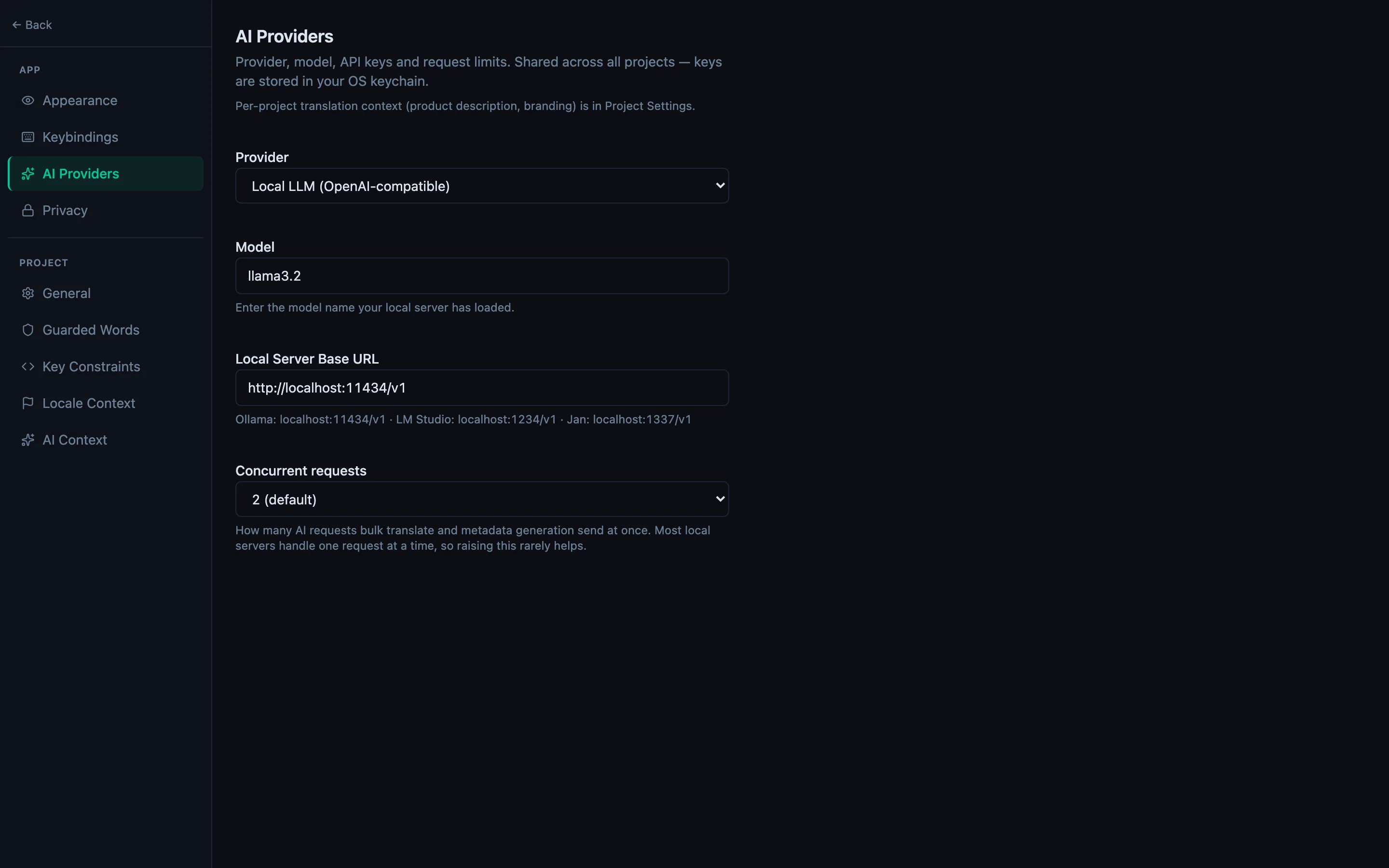
YOUR REPO
No import, no export, no cloud copy. StringLane edits the files already in your repo, in their own format, so review is an ordinary diff.
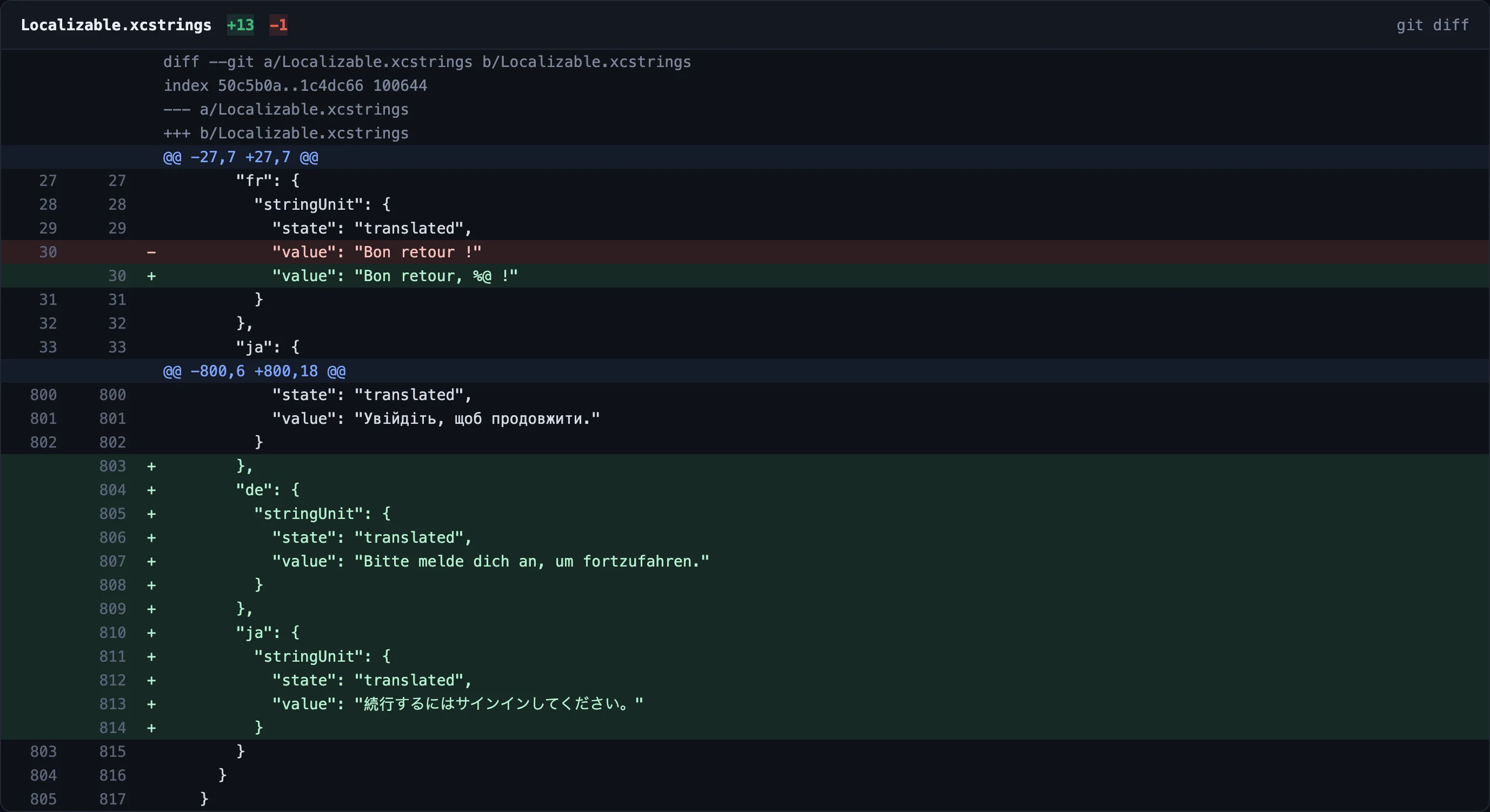
FREE · IN YOUR CODING AGENT
The free CLI gives Claude Code, Cursor, Codex and five other agents the same checks over MCP. Your agent translates, StringLane checks, and a failed check writes nothing to your files.
Paste this into your agent
Read https://stringlane.app/docs/cli/agent-setup.md and set up StringLane for this project.It works out which agent it is in, and the setup page tells it to propose each command and wait for your yes.
Eleven tools, six of them write, and a failed check writes nothing to your files.
stringlane setup mcp --host claude-codeAgent setup guide Exit 1 fails the build on a broken locale. A committed baseline lets a messy project adopt the gate today.
stringlane check . --jsonCI guide The read-only way to try it: it reads every locale and writes nothing into your repo.
npm install -g @stringlane/cliGetting started $49once
Early-adopter price, $79 after launch.
$0free
Lokalise starts at $144 a month (checked July 2026). StringLane sells no AI credits.
stringlane CLI both read and write the files already in your repository, so every change lands in your working tree and shows up in an ordinary git diff. Two deliberate exceptions, both opt-in and both yours: AI translation sends the strings being translated to the provider whose key you configured (or to a local model, in which case nothing leaves the machine), and the MCP server hands your strings to the coding agent that started it, running on your machine over stdin and stdout..strings with its companion .stringsdict, Xcode .xcstrings String Catalogs, Flutter/Dart ARB, Android XML, and i18next JSON. Each parser was built and tested independently rather than shimmed on top of a JSON converter, and plurals work in each format's native shape.stringlane mcp serves your project to any agent that speaks the Model Context Protocol: the agent's own model writes the translations, and StringLane does the reading, the validating and the writing, including creating the keys a new component references. No provider key is involved. Claude Code and Codex CLI install it as a plugin, which brings a write guard with it; Gemini CLI takes an extension; and for Cursor, Zed, OpenCode, VS Code Copilot and Windsurf, stringlane setup mcp --host <host> prints the entry in that host's own shape and names the file it goes in. Cursor can also load the StringLane plugin as a local copy, which is not in the Cursor Marketplace and has not yet been run inside Cursor. Set up your agent.For macOS, Windows and Linux14-day trial, no email · The agent setup is free