How to Use the Format Editor
Format-specific editing helpers for iOS .strings, Android XML, and i18next JSON projects in StringLane.
Last updated
StringLane supports five file formats and adjusts its editing behavior for each one. The format is detected automatically from your project files, so there is nothing to configure.
Supported formats#
Flutter ARB#
ARB (Application Resource Bundle) is a JSON format with a specific structure. StringLane:
- Reads and writes the
@keymetadata objects —description,x-max-length,x-guarded,x-no-translate,placeholders— and passes through any field it does not model, unchanged - Preserves key order exactly as it appears in the source file
- Handles ICU MessageFormat strings in values (see Working with ICU Plurals)
- Shows
{placeholder}names as Param badges when they're mismatched between locales
See How to Work with ARB Metadata Annotations for details on the @key system, or the ARB editor page for what gets validated in a Flutter project.
iOS .strings#
Standard iOS .strings format uses "key" = "value"; pairs, one per line. StringLane:
- Keeps every
/* comment */block. The one directly above a key is that key's description, editable in the metadata panel; the rest, the file header included, are passed through intact - Reads
.lproj-based locale structure (en.lproj/,fr.lproj/, etc.) - Handles format specifiers like
%@,%d,%1$@: mismatches between locales are flagged as Param badges - Reads plural forms from the companion
.stringsdictplist and writes it back alongside the.stringsfile on save. The companion is only written when the file actually has plural keys
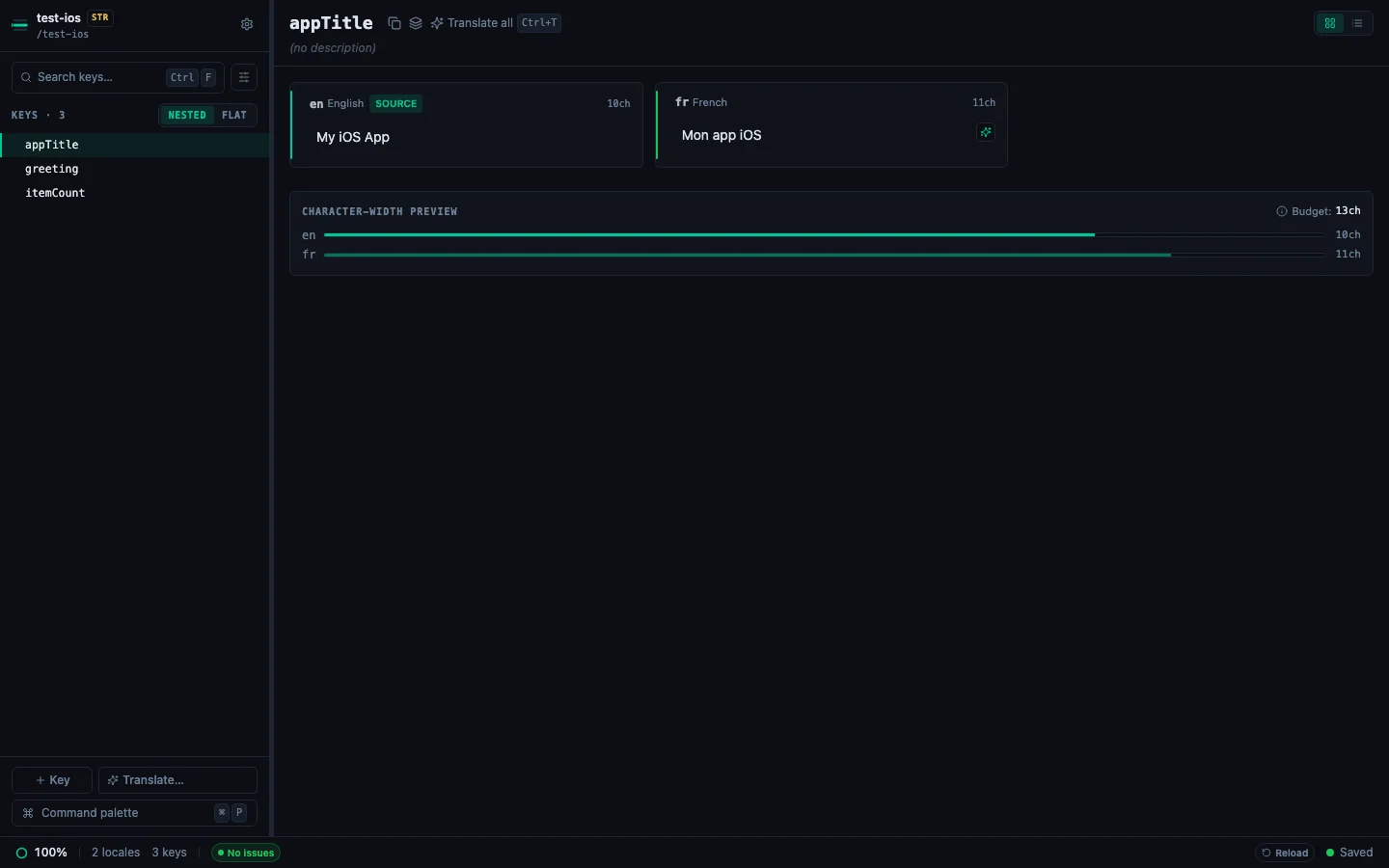
For the companion file itself — plural forms, width-adaptive entries, and what round-trips on save — see What Is a .stringsdict File?. For the rest of the format, see the Localizable.strings editor page.
Xcode .xcstrings#
String Catalogs hold every locale for a string table in one JSON file, plus a translation state per string. StringLane:
- Loads every locale from the single
.xcstringsfile and shows them side-by-side - Shows a grey New badge on any string Xcode has extracted but not yet translated
- Updates state on save: a filled value becomes
translated, a cleared one reverts tonew - Locks strings marked
shouldTranslate: falseso you cannot edit them by accident, and writes the flag back when you set Not for translation on a key - Reads each string's
commentas its description and writes your edits back to it, so Xcode sees what StringLane wrote - Merges a newly added locale into the existing file rather than creating a second one
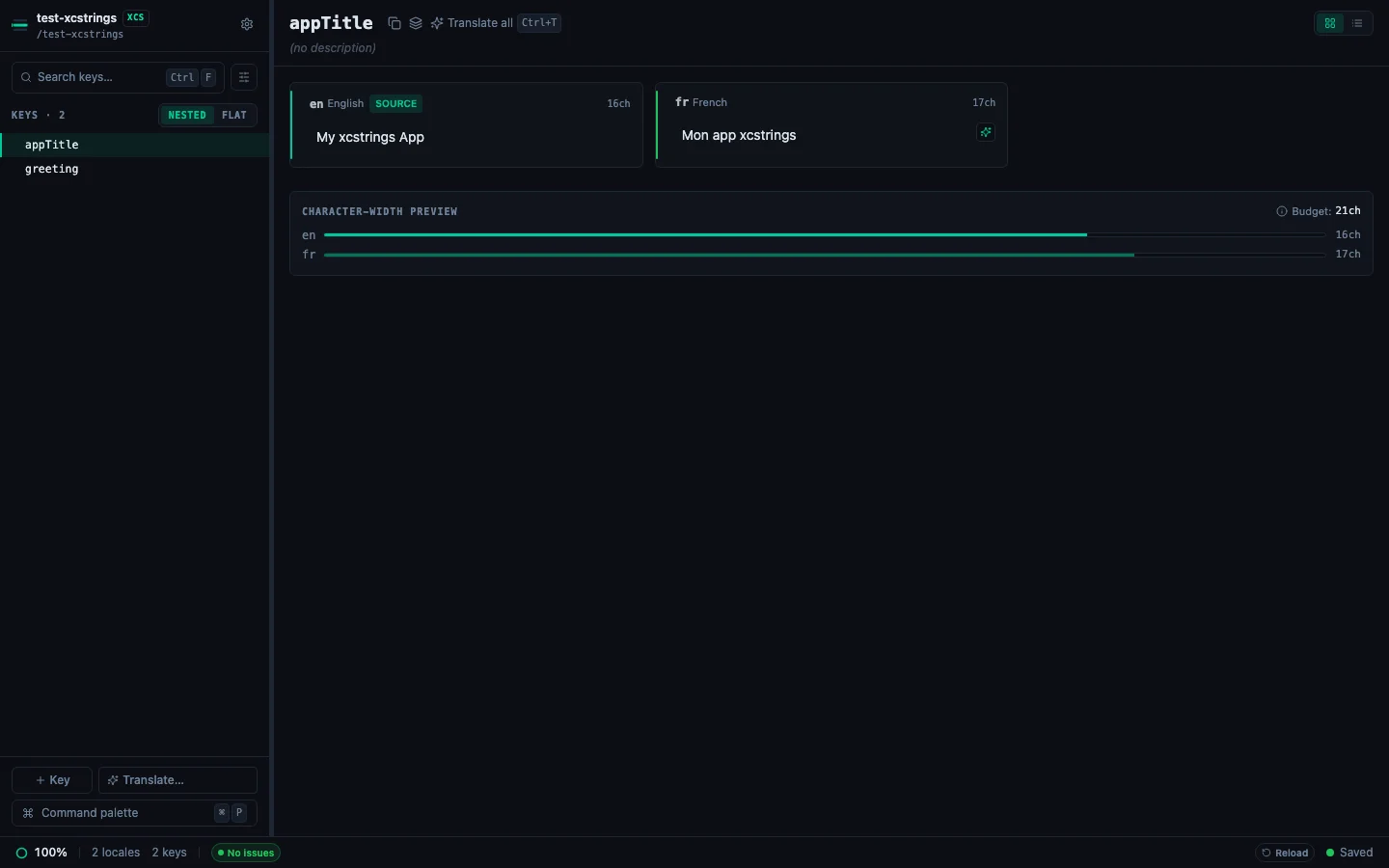
Two known limitations with
needs_review. Catalogs write that state with an underscore, and StringLane's badge matches a hyphenated spelling, so a string awaiting review currently renders with no badge at all. Saving also recomputes every string's state from whether it has a value, which relabelsneeds_reviewastranslatedacross the catalog. If you rely on that state to track drift, verify it in Xcode after a StringLane session until both are fixed.
See What Is the .xcstrings Format? for the format itself, or the xcstrings editor page.
Android XML#
Android resources use <string> tags in res/values/strings.xml. StringLane:
- Reads all
<string name="...">value</string>entries - Handles
<plurals>elements as multi-value entries, one per quantity (zero,one,two,few,many,other) - Maps locale variants to
values-fr/,values-de/, etc. - Format specifiers (
%s,%d,%1$s) are treated like ARB placeholders for Param validation - Checks plural quantities against the CLDR categories each language requires
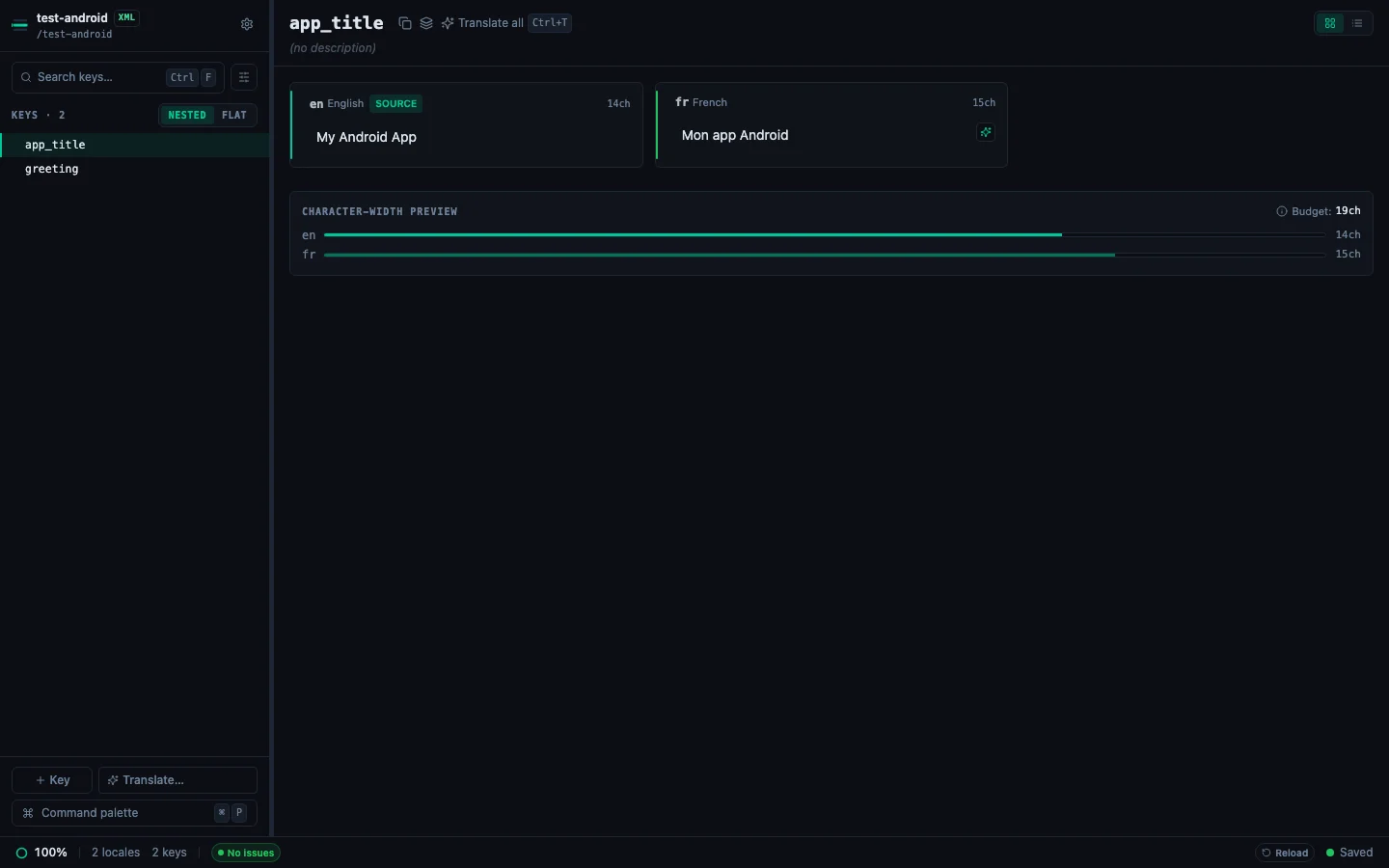
What a save does and does not move. Strings marked
translatable="false"are real keys now: they show in the list, locked, keeping their position and their attribute. Comments are kept too — one sitting directly above a key becomes that key's description, and editing the description rewrites it in place. Anything StringLane does not model —<string-array>above all — is transcribed verbatim and written back byte for byte, but re-emitted after every<string>and<plurals>, so it moves to the end of the file on the first save. A<![CDATA[...]]>block that is the whole value comes back escaped (<b>) rather than re-wrapped, which Android resolves to the same string; one sitting beside markup is kept as CDATA.
For more on this format, see the Android strings.xml editor page.
i18next JSON#
i18next uses JSON files with locale code as the folder name (en/translation.json, fr/translation.json). StringLane:
- Supports nested key paths using dot notation (e.g.
settings.account.titleappears as a single row) - Handles
{{variable}}interpolation syntax: mismatches flagged as Param badges - Preserves key order and nesting structure when writing back to disk
- Does not flatten nested keys. They stay nested
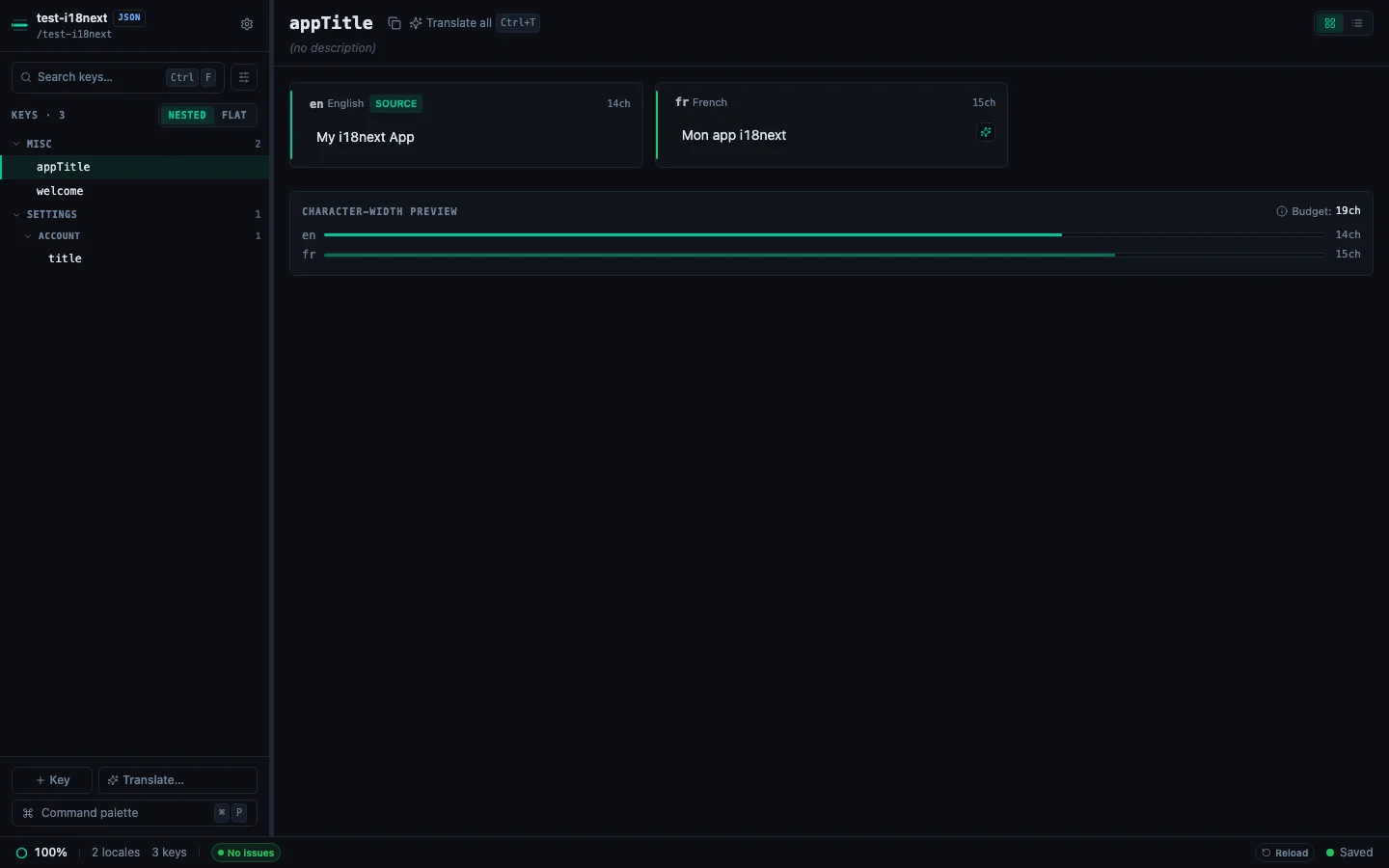
For more on this format, see the i18next JSON editor page.
Format detection#
If StringLane loads a mixed folder (multiple formats), each format is shown in a separate section or you're prompted to select which to work with. Most projects use a single format throughout.
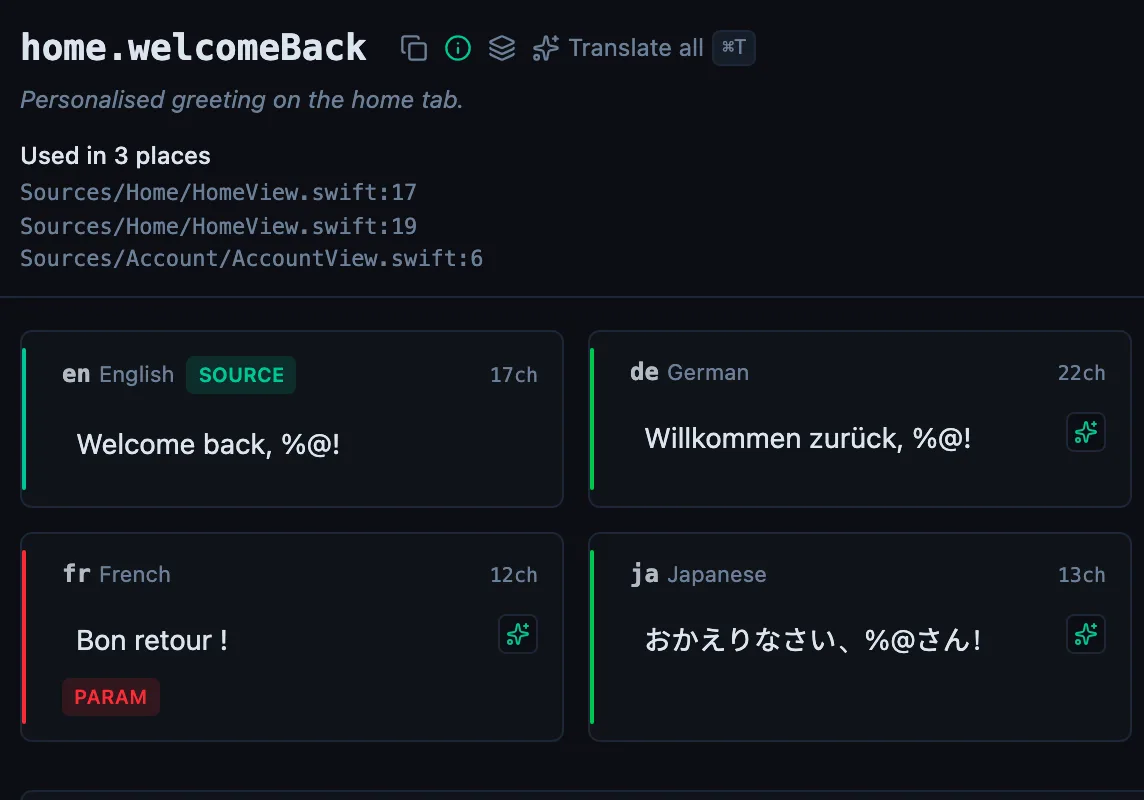
See every locale side by side
The desktop app flags what is missing or broken on the cell, and saves to your files.
14-day trial, no email