Validation Code Reference
Every issue code StringLane reports, its severity, and what it means. The same codes appear in the desktop app Issues Panel, in stringlane check, and in the MCP validation tools.
Last updated
Every finding carries a stable code. Branch on that rather than on the message, which is written for a person and may be reworded.
Severity is what StringLane thinks of the finding. What fails your build is a separate decision: by default any error or warning not in your baseline sets exit 1 and an info finding never does, and --fail-on replaces that rule with the codes you name.
Errors#
Something is structurally wrong. These are the findings that break an app rather than read badly.
Warnings#
Legal, and probably not what you meant.
Info#
Worth a look, never worth failing a build over.
The last two come from the source-code scan rather than from reading your locale files, so they only exist on a run that read your code. They are info deliberately: upgrading the CLI must not turn a pipeline red, and a recorded baseline must not flip. --fail-on unused_key opts in, and --no-scan turns the scan off, but not both, which is refused rather than silently never firing. Neither is a verdict: see Unused keys for the ways a live key lands in that list.
Stale and unconfirmed translations#
translation_stale and translation_unconfirmed come from source stamps, not from reading a translation: with sourceStamps: true in stringlane.yaml, StringLane records in .stringlane/source-stamps.json the base text each translation was confirmed against. stringlane check and the MCP inspect_project tool report them; stringlane validate and the MCP validate_translations tool, which check proposed text, do not. Both are warnings, so they fail the build like any other warning, and --fail-on names them. A baseline cannot hold either code: stringlane baseline write leaves them out, and check exits 2 on a baseline that holds one. Confirm a translation that still fits with stringlane accept, or Accept translation in the desktop app. See sourceStamps.
Choosing what fails CI#
Start narrow and widen. The errors are the ones that break a running app:
stringlane check . --fail-on missing_key,placeholder_mismatch,format_placeholder_mismatch,malformed_placeholder,markup_mismatch,icu_plural_selector_unsupportedIf the project already carries a great deal of this, do not encode it in --fail-on. Record a baseline instead, so the debt stays visible and only new findings can fail: see Inspect and check.
Where these appear#
The same codes surface in three places, because they come from one validator:
- the desktop app's Issues Panel, as validation badges;
stringlane check, in the terminal and in the--jsonenvelope;- the MCP
validate_translationsandapply_translationstools, which is what stops an agent writing a broken translation.
Not every code can fire on every format. A format with no native comment syntax cannot raise findings about comments, and format_placeholder_mismatch checks each format's own placeholder syntax, so it fires on Apple, Android, i18next JSON, and easy_localization and slang JSON in their own syntax, and never on ARB, whose {name} placeholders are placeholder_mismatch.
Frequently asked questions
- Which StringLane issues fail a CI build?
- By default every error or warning that is not in your committed baseline sets exit 1. An info finding never does. Pass --fail-on with a comma-separated list of codes to fail the build on exactly those codes, whatever their severity: it can narrow the gate to a few errors, and it can make an info code such as unused_key fail the build.
- Are the same validation rules used in the app and the CLI?
- Yes. The desktop app, stringlane check and the MCP validate_translations tool are built on one validator over the same files, rather than three implementations of the same rules that drift apart.
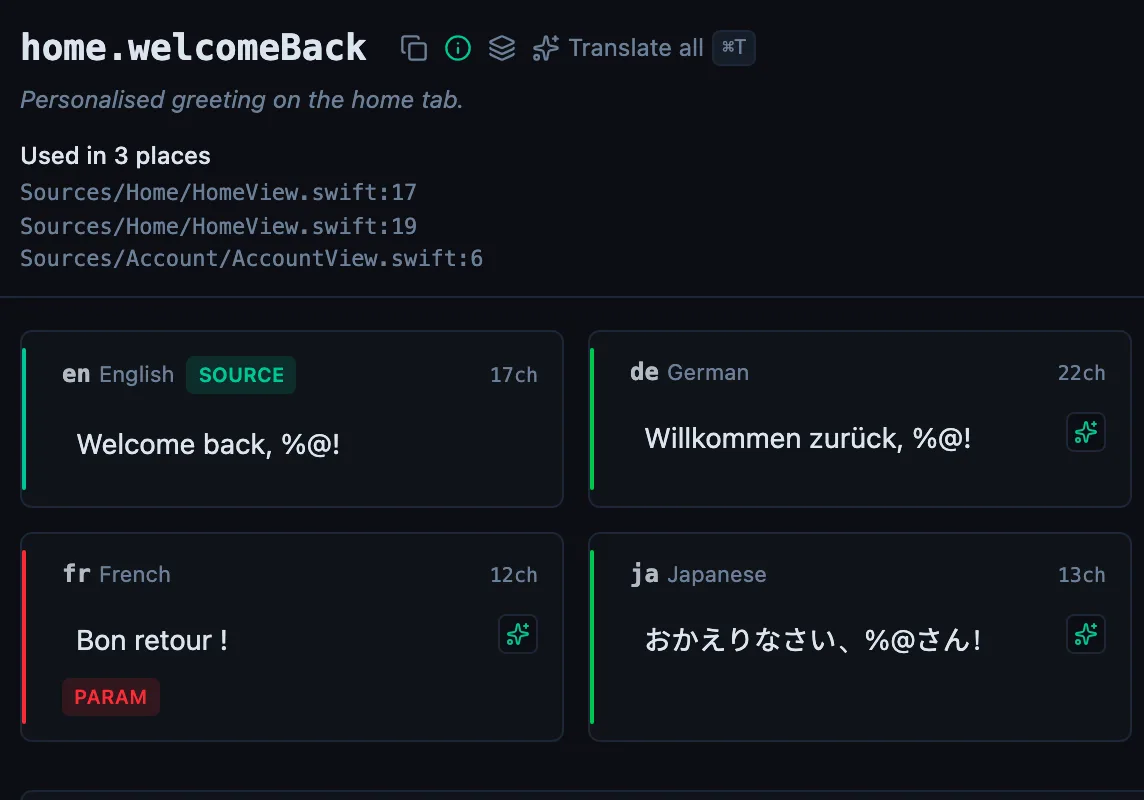
See every locale side by side
The desktop app flags what is missing or broken on the cell, and saves to your files.
14-day trial, no email