How to Fix Issues with AI
Repair ICU syntax errors, missing plural categories, and placeholder mismatches without retranslating: per row or across the project.
Last updated
The AI Issue Fixer corrects structural problems in your translations (broken ICU syntax, missing plural categories, mismatched {placeholder} names) while preserving your translated text. It's the right tool when a translation is almost right but won't compile or pass validation.
When it shows up#
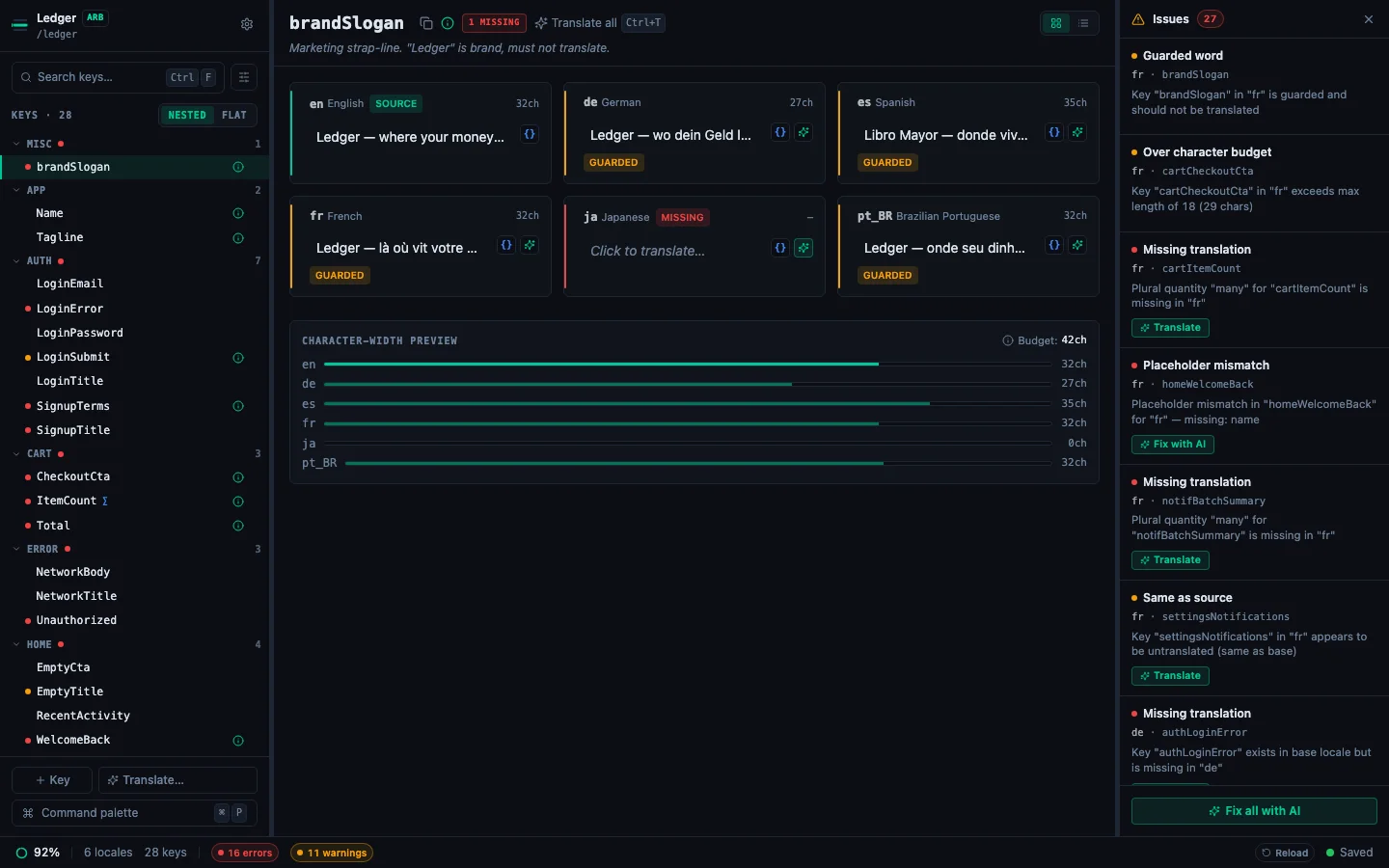
A Fix with AI button appears on any row in the Issues Panel where the issue is structural:
Missing translations and same-as-source warnings have a separate ✨ Auto-translate button. Those flows do retranslate.
Per-row fix#
Open the Issues Panel (⌘J), find the row, click Fix with AI on it.
- A spinner replaces the button.
- The AI returns either a fixed value (applied immediately, auto-saved) or a
cannotFixreason (shown inline next to the row). - The cell rail in the detail pane recomputes: usually the issue clears, the badge disappears, and the next row in the panel becomes selectable.
Fix all with AI#
The Issues Panel footer shows Fix all with AI whenever there's at least one AI-addressable row. Clicking it:
- Phase 1: runs deterministic autofix on placeholder and malformed-placeholder rows (no AI call needed).
- Phase 2: buckets remaining issues by
(locale, code-class). Each bucket dispatches a single bulk AI call (up to 20 items per call), so a project with 60 ICU errors across three locales does ~3 calls instead of 60. - Phase 3: applies fixes as they arrive; failed buckets surface their error in the summary but don't stop other buckets.
Cancel between buckets keeps everything written so far.
What "preserves your translation" means#
Fix-with-AI is given the translation as input, not regenerated. The prompt asks the model to keep the user's text and only correct the structure. In practice:
- An ICU plural with
other {Готово}and a malformedonereturns withГотовоintact. - A placeholder swap from
{name}to{username}puts your translated sentence back together with{name}in the right position. - A missing
othercategory gets a freshly-translated default: rare, but the only structural fix that does need new content.
If preserving content is not possible (rare: usually a catastrophic parse failure), the row reports a cannotFix reason instead of writing junk.
Configure the provider#
Fix-with-AI uses the same provider configured in Settings → App → AI Providers as the rest of the AI flows. Cloud (OpenAI, Anthropic, Gemini, Groq, Mistral, DeepSeek, xAI) and Local LLM all work; pick whichever matches your privacy and cost requirements.
Related#
- How to Use the Issues Panel: where Fix-with-AI lives.
- How to Read Validation Badges: what each issue type means.
- Working with ICU Plurals and Select Forms: the most common source of fixable issues.
- How to Translate with a Local LLM: run Fix-with-AI fully offline.
See every locale side by side
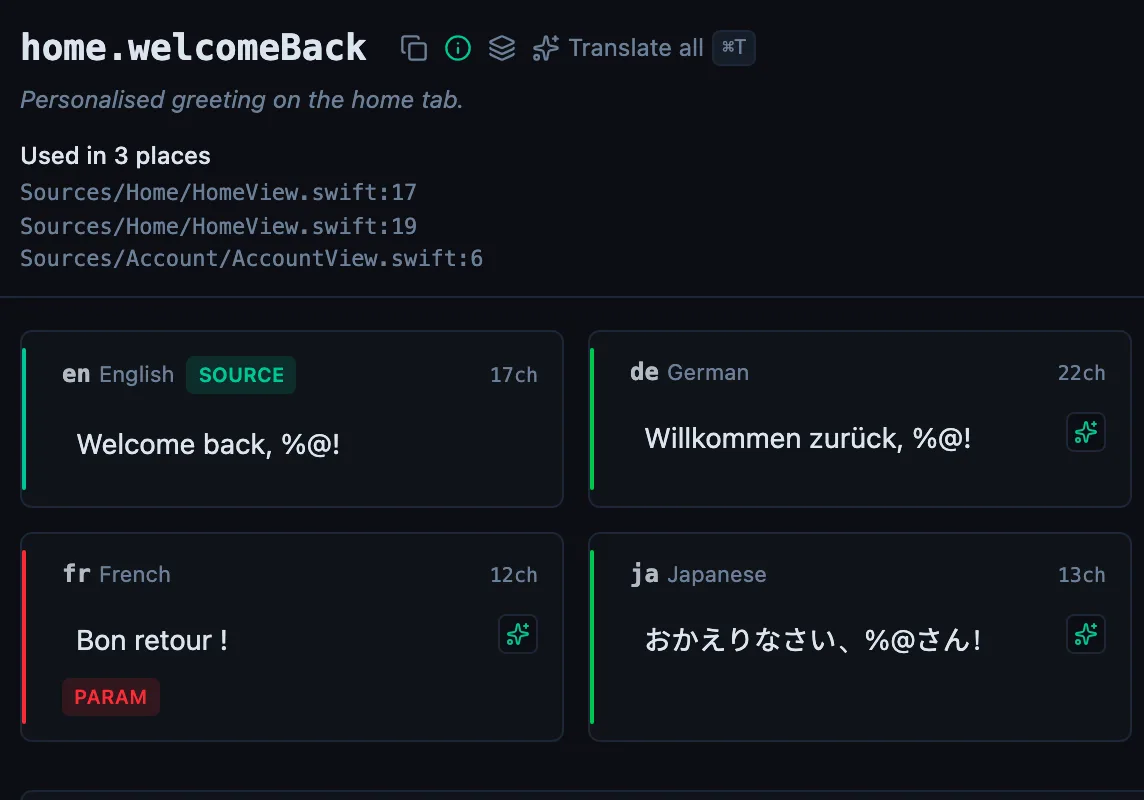
The desktop app flags what is missing or broken on the cell, and saves to your files.
14-day trial, no email