How to Use the Free Trial
Every StringLane feature is available during the 14-day free trial: no email, no credit card, no missing functionality.
Last updated
StringLane starts a 14-day free trial the first time you launch it: no sign-up, no email, no credit card. Every feature is unlocked. The trial gives you two full weeks to put the editor against a real project before you decide whether to buy a license.
What's available in trial mode#
Everything. The trial is not a feature-limited preview. It's the full app, time-limited.
There is no key limit, no per-locale cap, and no project-count cap during the trial.
How long the trial lasts#
14 days from your first launch on this device. The trial countdown is tracked server-side against a stable device identifier, so reinstalling the app or wiping local state does not restart it.
Two surfaces keep the countdown visible:
- Trial banner at the top of the editor: calm blue for most of the trial, switches to amber with a filled Buy now button at 3 days or fewer remaining ("3 days left · Buy now to keep editing"), then red on the final day ("Trial expires today · Buy now to keep editing").
- Welcome screen chip: when no project is open, a status chip ("10 days left in trial") sits on the Welcome screen and mirrors the same colour escalation. Click it to jump straight to the purchase page.
What happens after day 14#
When the trial expires the License Gate appears on the next cold launch. Your project files are untouched. StringLane only ever wrote your translations back to them as you edited, so nothing in your repo depends on the app staying activated.
From the License Gate you can:
- Enter a license key: paste a key purchased from stringlane.app/buy, hit Activate, and you're back in the editor.
- Continue in read-only mode? No. Trial-expired means edit access is paused until you activate. The intentional choice here is that StringLane is a writing tool: a read-only mode would be misleading.
Upgrading to a full license#
You can buy a license at any time. You don't have to wait for the trial to expire.
- Open the About dialog from the app menu and click Buy a license (or visit stringlane.app/buy directly).
- Complete the purchase. You'll get your license key by email within a couple of minutes. It ships from our payment processor, Creem.
- Back in StringLane, open About → Enter license key. Paste the key and click Activate.
That's it. The trial banner disappears and the app moves into licensed state. Your license is saved in your OS keychain: no plaintext files on disk, no environment variables required.
For the full step-by-step activation walkthrough, including troubleshooting, see Activate Your License.
Frequently asked#
Does the trial work offline? Not at launch. StringLane checks the trial with our trial service every time it starts, and with no connection it cannot tell a running trial from no trial, so it opens on the License Gate instead of the editor. Reconnect and relaunch, and the trial resumes with the correct number of days left, because the start date is stored on our server, not on your machine. Once the editor is open, editing, saving, validation, and local-LLM AI translation work without an internet connection.
Can I extend the trial? No. If you need more time to evaluate, email support@stringlane.app and we'll figure something out.
What happens if I switch machines mid-trial? The trial is per device. Starting on a second machine starts a fresh 14-day trial on that device.
Next steps#
- Activate Your License: paste your key and unlock the full app.
- Open a Project: point StringLane at your existing localization folder.
- Set Up AI Translation in 5 Minutes: wire up your provider key to fill in the gaps automatically.
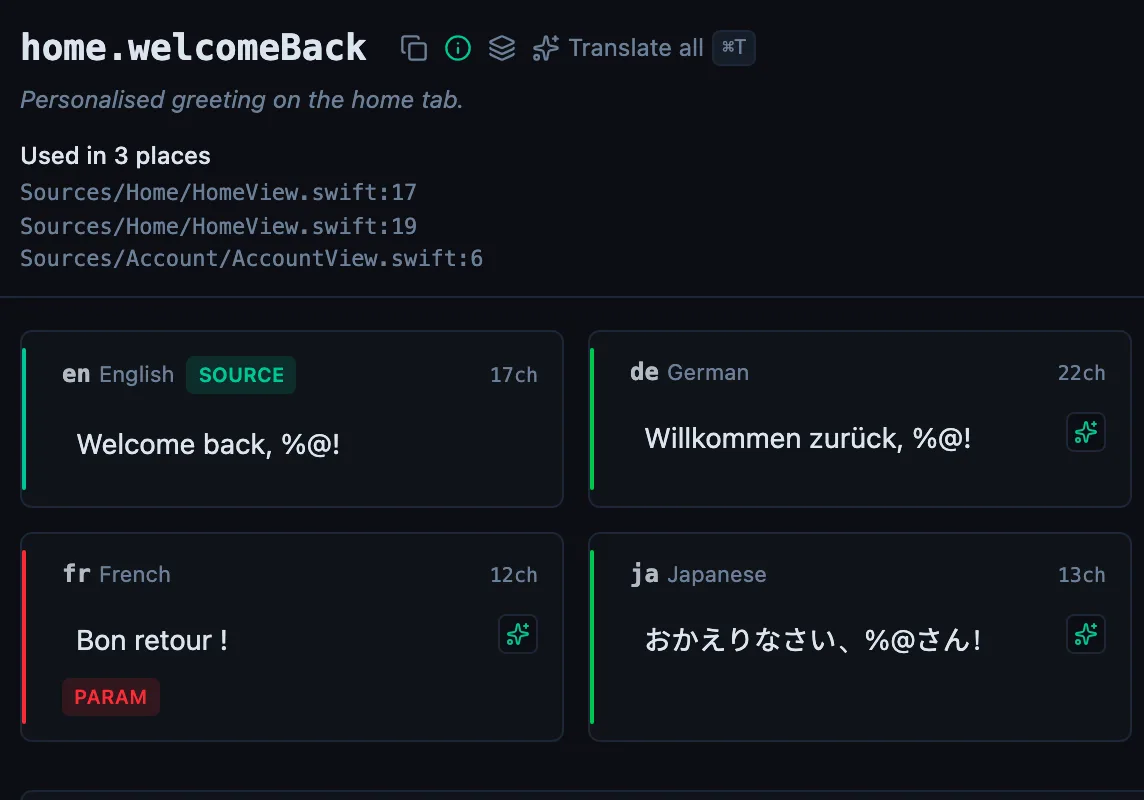
See every locale side by side
The desktop app flags what is missing or broken on the cell, and saves to your files.
14-day trial, no email
Related