How to Reload Files from Disk
Press ⌘R to discard pending writes and re-read every locale file from disk: useful after git checkout, branch switch, or external edits.
Last updated
When you edit a locale file outside StringLane: git checkout, branch switch, find-and-replace in another editor, an flutter gen-l10n rerun, and StringLane is still showing the old values, hit ⌘R to reload everything from disk.
How#
What happens#
- Any pending unsaved edits (debounced writes that haven't flushed yet) are cancelled so they don't overwrite the new on-disk state.
- Every locale file is re-parsed from disk.
- Validation runs again from scratch.
- The detail pane re-renders with the loaded values.
The key currently selected in the sidebar stays selected (if it still exists in the new state).
When to use it#
- After a
git checkoutor branch switch that touched locale files. - After running a script that bulk-rewrites files (e.g. find-and-replace across all
.arbviased). - When you suspect StringLane and disk are out of sync, for example, the status bar says "Saved · just now" but the file viewer shows older values.
- When you want to abandon every pending edit without saving them. (Be aware: pending unsaved edits are cancelled. They won't be flushed first. If you want them on disk, wait for the auto-save to finish before reloading.)
What it doesn't do#
- It doesn't undo previously-saved edits. Those are already on disk and reload reads them back as-is. Use git or your editor's undo.
- It doesn't reload Settings or Project Settings. Those have their own write paths.
- It doesn't reset your sidebar filter, dock orientation, or other UI state.
What happens when a file changes outside StringLane#
The StringLane desktop app watches the open project folder for changes to locale files, whether they come from git pull, another editor, a script, or the stringlane CLI.
- No unsaved edits to that file: StringLane reads the new version and shows it, without asking. Projects made of several modules or namespaces are not reloaded this way yet; press ⌘R there.
- A cell in that file is open for editing: StringLane does not swap the file underneath it, even before you type. Close the cell without typing (Enter, Tab, Escape or clicking away) and the new version appears with no ⌘R. Type in it, and its save stops with the "A file changed on disk" dialog below instead of writing over the change.
- Unsaved edits to that file: StringLane leaves your edits alone. When their save runs and finds that the file changed since StringLane last read or wrote it, the save writes nothing and a dialog titled "A file changed on disk" opens, naming the file. Reload from disk drops your unsaved edits to that file and reads the new version (unsaved edits to other files are saved first). Keep my edits writes your version over the change on disk.
Close that dialog with ✕ or Escape and nothing is written or discarded. The status bar then shows File changed on disk until you decide, and clicking it opens the dialog again.
What happens when the CLI or an agent is writing at the same time#
The StringLane desktop app and the stringlane CLI take the same per-project save lock before every write, so the two never write to one project at the same moment. The lock file lives in StringLane's own app-data folder, not in your repository. Tools that are not StringLane, such as git or another editor, do not take this lock. The desktop app handles their changes like any outside change: shown without a prompt when you have no unsaved edits to that file, and met by the "A file changed on disk" dialog when you do.
If the CLI, or a coding agent using it, holds the lock when the desktop app wants to save, the app waits and saves your edits by itself once that write finishes. After about five seconds of waiting, the status bar shows Waiting for another StringLane write… with a Clear lock button. Clear lock asks first, in a dialog titled "Clear the save lock?": Clear Lock takes the lock and saves now, Keep Waiting changes nothing. Clear it only if the other StringLane process is no longer running, because taking the lock from a running process can corrupt your locale files.
If a StringLane process stopped while holding the lock, the desktop app takes the lock over by itself, saves, and says so in the status bar, because that earlier write may not have finished.
What happens if you quit before your edits are saved#
If you quit StringLane, close the project, or switch projects while edits cannot be saved, the desktop app asks before dropping them. When another StringLane write holds the lock, it first waits up to about ten seconds for that write to finish; when the save failed, it asks right away. On quit the choice is Quit Without Saving or Keep Open. On closing or switching a project it is Discard Edits or Keep Editing.
Related#
- How to Use the Command Palette: every action including "Reload from disk".
- Customize keybindings: rebind ⌘R if it conflicts with a system shortcut.
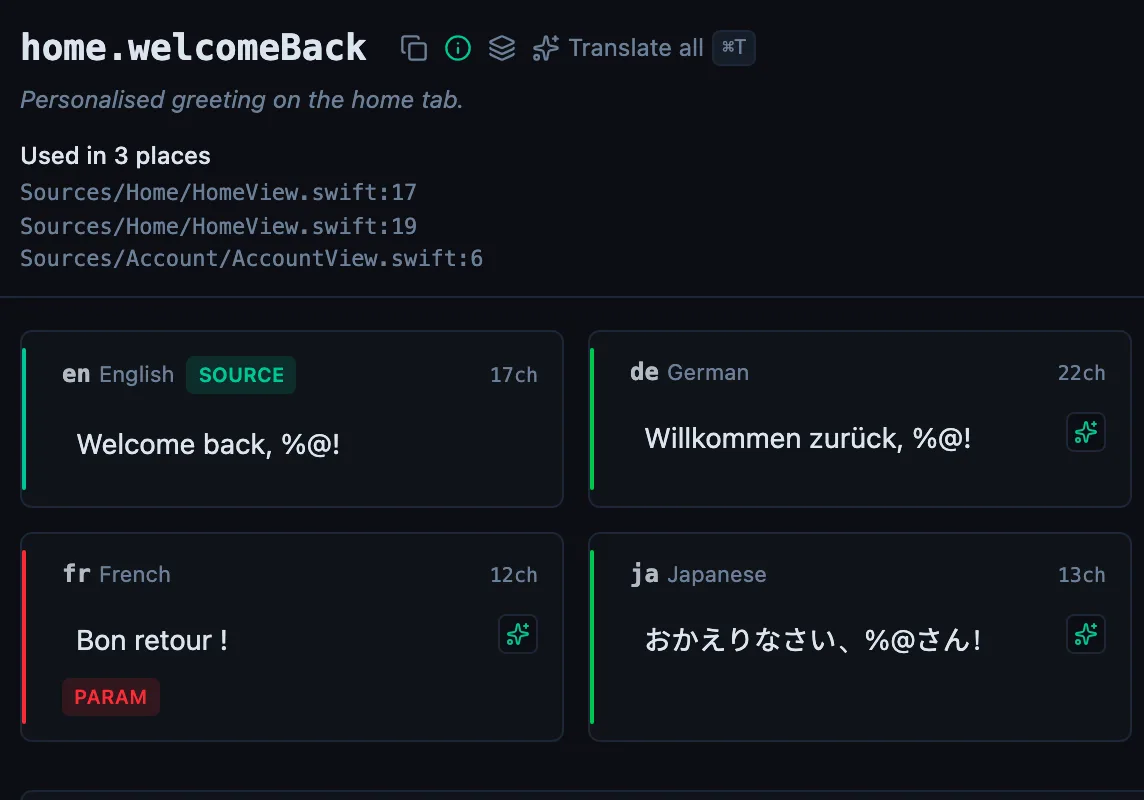
See every locale side by side
The desktop app flags what is missing or broken on the cell, and saves to your files.
14-day trial, no email