Ask a coding agent to add a string to a localized app and translate it, and the direct route is to write every locale file itself, with its own edit tool or a short script. The files still parse and the build still passes, so a mistake in a language you do not understand reaches your users unless something checks the structure of what was written.
Here is the smallest version of that I can reproduce. A Flutter app gets two new strings in
app_en.arb, a cart badge with a plural and an order total with a placeholder:
"itemsInCart": "{count, plural, one{{count} item} other{{count} items}}",
"@itemsInCart": { "placeholders": { "count": { "type": "int" } } },
"checkoutTotal": "Total: {amount}",
"@checkoutTotal": { "placeholders": { "amount": { "type": "String" } } }
The agent writes the Ukrainian ones into app_uk.arb:
"itemsInCart": "{count, plural, one{{count} товар} other{{count} товарів}}",
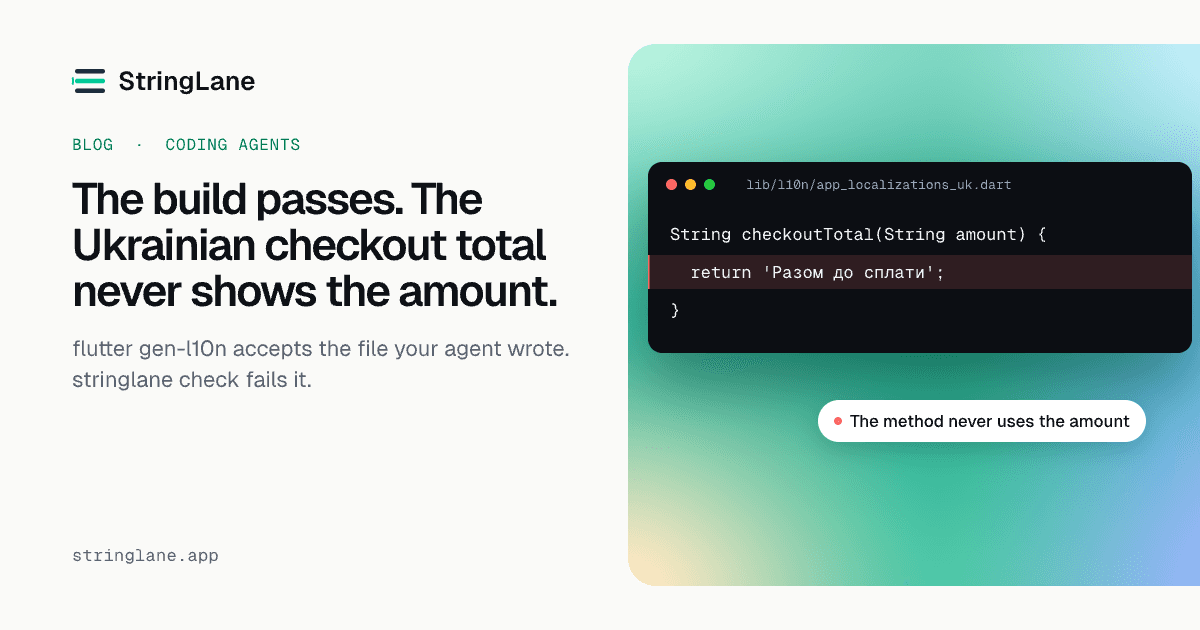
"checkoutTotal": "Разом до сплати"
flutter gen-l10n exits 0 and says nothing about either line. It generates
checkoutTotal(String amount), a method that takes the amount and returns 'Разом до сплати'
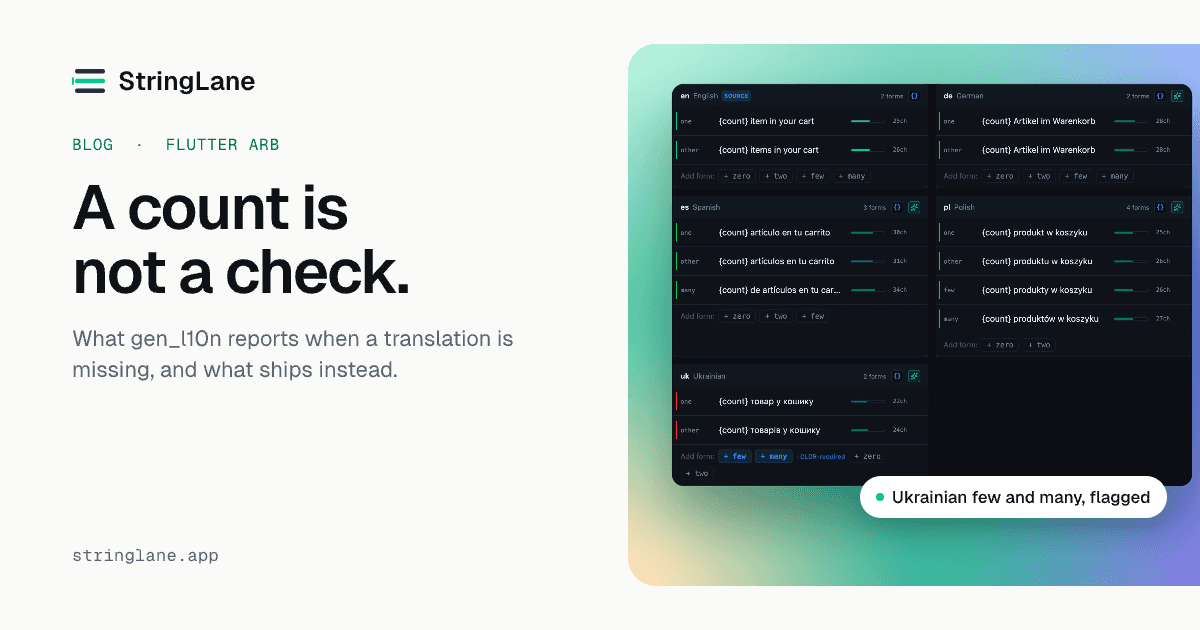
without it. The badge is wrong too. Ukrainian needs one, few, many and other, a count of 2
belongs to few, and this file has no few, so the badge falls through to other and reads
2 товарів where Ukrainian says 2 товари.
I ran both on Flutter 3.47, and neither is a Flutter bug. gen_l10n fails the build on a malformed
plural. It does not tell you that a locale is short a plural form, or that a translation stopped
using its placeholder.
Both mistakes are structural, so they can be found without understanding a word of Ukrainian:
$ stringlane check
flutter · arb · single-origin · base en (detected)
3 locales · 3 keys · 86% of strings filled

  de      3/3        complete
  en      3/3        complete
  uk      2/3        1 missing

3 errors · 0 warnings · 0 info
  error    placeholder_mismatch  uk/checkoutTotal
  error    missing_key           uk/itemsInCart[few]
  error    missing_key           uk/itemsInCart[many]
That is trimmed: each finding also carries a sentence saying what is wrong. It exits 1.
Why agents get locale files wrong
Most of the formats StringLane reads do not store your translation as you typed it. An ARB file is
JSON, so a quote inside a string is \". An Android strings.xml needs & for an ampersand,
and an iOS .strings project keeps its plurals in a .stringsdict, which is a plist. A model
writing those files is doing string manipulation on formats whose rules it holds in its head, and
mostly it gets them right.
The two mistakes above are a different kind. The syntax is valid and something is missing, which only a check against the base string and the language's plural rules can find.
Why an MCP server cannot see the edit
The obvious fix is to give the agent proper tools, so StringLane has an MCP server. It exposes eleven tools, five that read and six that write, and every translation it writes goes through the parser and the placeholder, plural and length checks rather than through the model's idea of the format.
That works until the agent does not use it. An MCP server sees its own tool calls and nothing else.
It has no way to know that your agent edited app_uk.arb with its own Write tool, or with a
script through Bash, because neither call is addressed to the server. On 2026-08-28 that
happened twice, both times with the server connected. In one project, an agent asked the server
for a plan and got an empty one that read like a finished project, because its Ukrainian file had
been deleted in an earlier commit. That gap was StringLane's, and the add_locale tool exists
because of it. The agent wrote 472 strings into a new uk.arb with a Python json.dump. Hours
later an agent read the server's instructions not to edit locale files directly and wrote 479
description blocks into en.arb with a script anyway, because the tool built for it asked for an
approval flag the agent decided was not its to set. That gate was StringLane's too, and it is gone.
So StringLane's agent integration ships a hook wherever a host will take one. On Claude Code the
hook holds an edit-tool write to a locale file and asks you before it runs. It does not hold a
shell command. Searching a command line for a file name would have caught both of those scripts
and missed every path a script builds at runtime, and I would rather ship a guard whose coverage I
can state. Instead, after every edit-tool or shell call, the hook compares your locale files with
the last state it recorded, starting from a baseline taken when the session began, and tells the
agent which files changed and to run stringlane check. That message goes to the agent, not to
you, so you see it only if the agent passes it on. It is detection after the write, not
prevention.
If you want a shell write refused, Claude Code's sandbox can deny write access to a path for shell
commands and every process they start, enforced by the operating system on macOS, Linux and WSL2.
Set allowUnsandboxedCommands to false as well, or the agent can retry a blocked command outside
the sandbox through your normal permission settings. StringLane configures neither.
What the write guard does on each host
The MCP server works in every host that speaks the protocol. The write guard is built from whatever interception each host offers, and the hosts differ:
| Host | What the guard does |
|---|---|
| Claude Code | Asks before an edit-tool write, tells the agent about a shell write after it runs |
| Codex CLI | Refuses an edit-tool write, and says how to lift it |
| Gemini CLI | Refuses an edit-tool write, and says how to lift it |
| Cursor | Refuses an edit-tool write, and says how to lift it |
| Windsurf | Refuses an edit-tool write, and says how to lift it |
| Zed | Confirms, from Zed's own permissions |
| OpenCode | Confirms, from OpenCode's own permissions |
| VS Code Copilot | Installs, but guards nothing yet |
Only the Claude Code row has a written QA suite behind it. The other seven are built from each host's own documentation, and nobody has run them in a live session yet. Codex, Gemini CLI, Cursor and Windsurf can only allow or deny a tool call, so StringLane denies the write and names the command that lifts the block. On VS Code the hook installs, but no edit-tool names have been recorded for it to match, so it guards nothing yet. The exact install for each host is on Agent hosts.
What the agent should do instead
When the guard holds or refuses a write, the agent has somewhere to go. The MCP tools and the CLI commands are the same four steps:
- Add the string to the base locale:
add_key, orstringlane add-key. - List what each locale needs:
prepare_translation_plan, orstringlane plan. - Check the translations and write nothing:
validate_translations, orstringlane validate. - Write all of them or none:
apply_translations, orstringlane apply.
Here is the same Ukrainian file done that way, from a terminal, starting before the agent's write.
If the write already happened, undo it first with git checkout lib/l10n/app_uk.arb: a plan lists
what is missing, so a translation that dropped its placeholder is not in it.
stringlane plan --target uk --json --out plan.jsonThe plan has five items: the total, and one item for each plural form Ukrainian needs, one, few,
many and other, each carrying the English source and the key's description, if it has one. The
model writes its translations against it. If it makes the same two mistakes, validate rejects them
and writes nothing:
$ stringlane validate --plan plan.json --candidates candidates.json
These translations would not be accepted:
  placeholder_mismatch: Placeholder mismatch in "checkoutTotal" for "uk"
  missing_key: Plural quantity "few" for "itemsInCart" is missing in "uk"
  missing_key: Plural quantity "many" for "itemsInCart" is missing in "uk"
That is trimmed the same way, and it exits 1. With all four forms and the placeholder back,
validate passes and adds a line on purpose: This is not permission to write. apply runs every
check again, and also refuses if a project file changed after the plan was made. Let a teammate fix
a German string in between and you get STALE_PLAN, nothing written, exit 2, which in StringLane
means "could not run" rather than "found problems". Plan again, apply, and the change is one
ordinary diff:
 {
   "@@locale": "uk",
-  "cartTitle": "Ваш кошик"
+  "cartTitle": "Ваш кошик",
+  "itemsInCart": "{count, plural, one {{count} товар} few {{count} товари} many {{count} товарів} other {{count} товару}}",
+  "checkoutTotal": "Разом: {amount}"
 }
After that, stringlane check exits 0. Every refusal on the way is described on
How the write gate works.
Below is a captioned replay of this run's terminal output, 89 seconds, with no sound. In it a
script stands in for the agent's write, and git checkout reverts that file before the plan. The
other steps are the ones described above, in the same order.
What each layer covers, and what is still yours
| Layer | Covers | Does not cover |
|---|---|---|
| StringLane's MCP tools | A translation written through them: parsed, checked, and written all or nothing | A write that did not go through them |
| The host guard | On Claude Code, an edit-tool write before it runs, and a note to the agent right after a shell write. Elsewhere, the table above | A shell write before it runs, or a write the hook cannot decide on, which it allows |
| The host's approval prompt | An MCP write, held until you approve it, if your host is set to ask. StringLane adds no approval step of its own | Anything outside MCP |
stringlane check in CI |
The same structural problems in whatever landed, however it got there | Whether a translation is right |
StringLane checks structure: missing keys and plural forms, placeholders, ICU syntax, protected
terms and length limits. It does not judge a translation. Whether 2 товари is the word your badge
should say, and whether the diff of every write is one you want, is review, and it needs someone
who understands the language.
The keys nothing calls
StringLane also reads your source code. stringlane scan, and the same pass inside check, lists
keys your project defines that no call site names, and keys your code names in a string, like
t('checkout.title'), that the project never defined. It reports what the scan saw, and that is
not a verdict. A key whose name is built at runtime, or reached through a wrapper the scanner does
not recognise, will appear in that list and be alive. If the scan read no source files, or
recognised no keys, it says so and reports nothing as unused. In check both lists are info, so
neither fails a run unless --fail-on names its code. What it reads, and why a gen_l10n project
gets only the first list, is on Unused keys.
How to set it up for your agent
The CLI is free, with no licence key and no account, and the desktop licence and the CLI grant each
other nothing. It sends pseudonymous usage data by default under a random install ID: which command
ran, whether it succeeded, roughly how long it took, the project's format, the issue count as a
range, the CLI version and OS, that the MCP server started and one summary per session of how often
each of its tools ran, and for each stringlane update translation run, its scope, whether the
provider was cloud or local, the key count as a range, and the outcome. Never your file paths, keys,
text or API keys. stringlane telemetry off or DO_NOT_TRACK=1 stops it, CI runs send nothing, and
the hook never sends anything at all. Separately, the CLI asks npm once a day whether a newer
version exists, and STRINGLANE_NO_UPDATE_CHECK=1 turns that off.
npm install -g @stringlane/cliIn Claude Code, take the plugin instead, which brings the MCP server and the guard with it:
/plugin marketplace add thebedcoder/stringlane-plugin
/plugin install stringlane@stringlane
In Codex CLI it is the same plugin under Codex's own commands:
codex plugin marketplace add thebedcoder/stringlane-plugin
codex plugin add stringlane@stringlane
Then run /stringlane:setup (on Codex, the stringlane-setup skill), which checks that the
stringlane binary the plugin calls exists and is new enough, because a guard that cannot run
looks exactly like a guard with nothing to report. On Codex, also open /hooks and trust the
StringLane hook.
Gemini CLI installs the plugin as an extension, which brings the MCP server but not the guard;
stringlane setup hooks --host gemini-cli prints that part. On the other five hosts,
stringlane setup mcp --host <host> prints the server's configuration and the file it goes in, and
stringlane setup hooks prints the guard (setup guard on Zed and OpenCode). You paste both. On VS
Code, add --scope project, which prints the entry for .vscode/mcp.json and a code --add-mcp
line for your user profile. Claude Code is the one host where StringLane writes the configuration
for you. Every change, release by release, is on the release notes page.
If you would rather not do any of that by hand, hand the setup to your agent. The page is written for it: paste the link, and the page tells it to work out its own host, install what that host takes, and ask you before every command that changes anything.